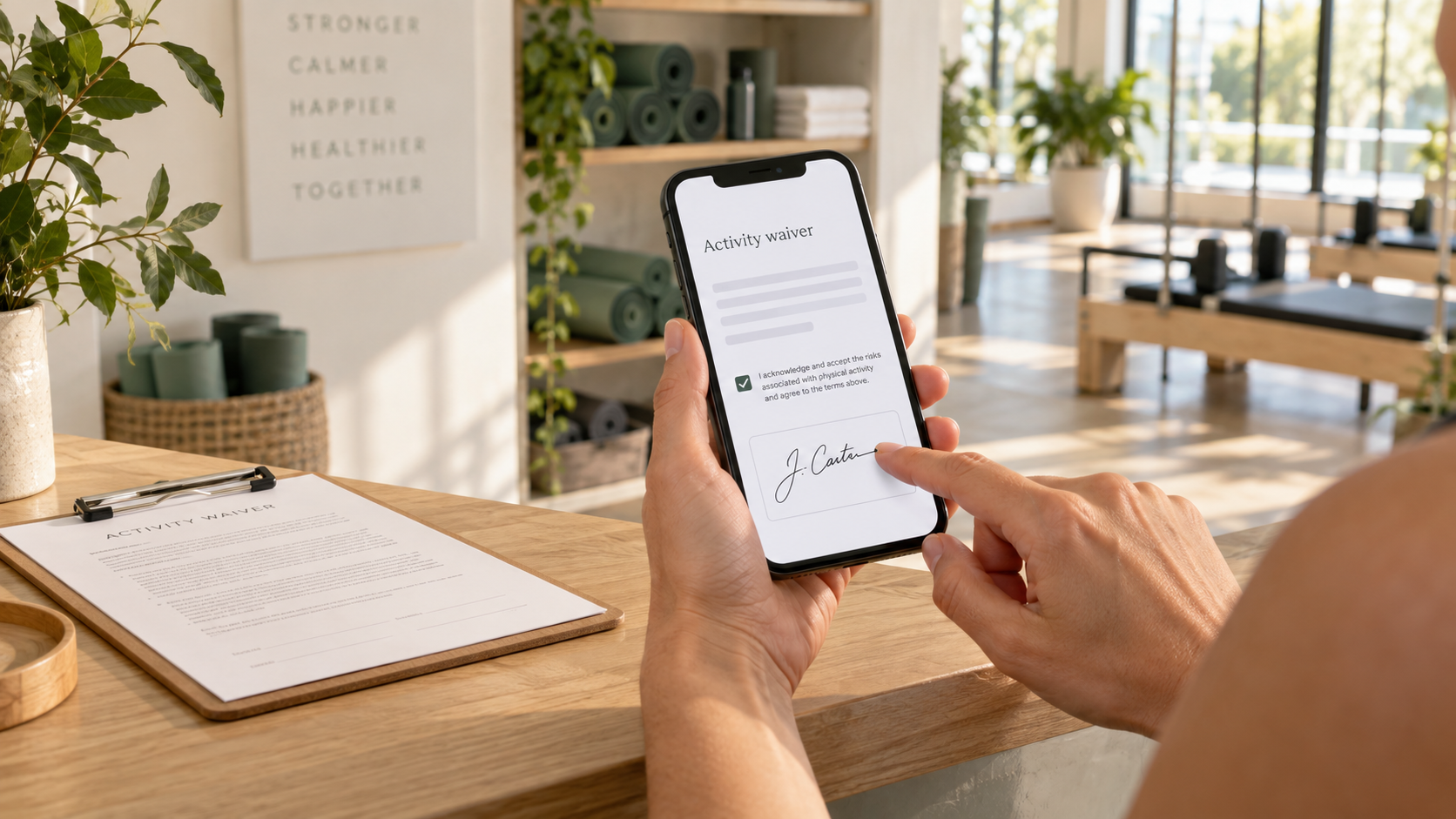
If you run a gym, yoga studio, climbing wall, or any other fitness or outdoor business, you know the waiver drill. Someone walks in for their first class, you hand them a clipboard, they scribble something unreadable, and you file it in a folder you hope never to open again. Somewhere in a storage room sit years of signed paper you can't search and might not be able to read.
There's a better way to do this. It's called a digital waiver, and this article explains what that means.
What a digital waiver is
A digital waiver (also called an electronic or online waiver) is a liability or consent form your customer fills out and signs on a phone, tablet, or computer instead of on paper.
That's the whole idea. Instead of a clipboard, you send a link. The customer taps it, reads the form, fills in their details, and signs with a finger. The signed record saves to your account immediately, searchable by name or date.
The form itself is the same form you use on paper. It can include assumption of risk language, health screening questions, emergency contacts, photo or marketing consent, and whatever custom fields your business needs.
What changes is everything after the signature. No printing, no scanning, no filing, no lost documents. The record is just there when you need it.
How it works
From the business side, the flow is short.
- You create your waiver template. Build it online from scratch or import your existing paper waiver, add your fields and liability language, drop in your logo.
- You get a shareable link. The software generates one link for that waiver. That's what you send to customers.
- The customer opens it on their phone. No app to download. The form opens in the browser, they fill it out, type their name, and sign.
- The record saves the moment they submit. A completed, timestamped waiver appears in your account. You can search by name, filter by date, and pull up any record in seconds.
- You move on. Nobody handles paper. The customer walks in ready for class.
On the customer's end, this takes about 60 to 90 seconds. Most people find it less annoying than the clipboard.
You can send the link by text before a class, in the email confirmation, as a QR code at the front desk, or from your booking page. Some businesses put it in their welcome email sequence so new members sign before they ever show up.
Are digital waivers legally binding?
Yes. This is the question business owners ask most, and the answer is settled.
In the US, electronic signatures and records have the same legal standing as handwritten ones. Two laws cover this. The E-SIGN Act (Electronic Signatures in Global and National Commerce Act, 2000) makes electronic signatures valid for most contracts nationally. UETA (the Uniform Electronic Transactions Act), adopted by 49 states, does the same at the state level.
For a digital waiver to hold up, the signer has to clearly intend to sign (a checkbox or drawn signature covers this), consent to doing business electronically, and the record has to be storable and reproducible. Decent waiver software handles all three without you thinking about it.
Digital waivers also produce a stronger audit trail than paper. The system records the exact time of signing, the IP address, the device, and the full content of the form as it was at that moment. Compare that to a paper form with a smudged signature and no timestamp. If you ever have to defend a waiver, you want the digital one.
One caveat. The format doesn't fix bad legal language. If an attorney who knows your state and your industry hasn't reviewed your waiver, do that regardless of whether it's on paper or a phone.
Why this matters for fitness businesses in particular
Digital waivers fix problems fitness and wellness businesses hit every day.
Check-in gets faster
When a drop-in walks through the door, you want them in class, not spending four minutes on paperwork. If they signed from the booking confirmation, check-in is instant.
You can find the form
Someone gets hurt in your spin class and a lawyer calls asking for the waiver from three years ago. On paper, that search takes hours, if the form still exists. Digitally, you type a name and it's there. Knowing you can produce that record on demand is a real comfort.
No boxes. Complete records.
A busy studio collects hundreds of forms a month. After a few years that's boxes you have to keep somewhere, keep dry, and eventually deal with. Digital records take no space and don't degrade. Every signed waiver gives you the customer's name, email, phone, and whatever else you asked for, typed by them, in a format you can export. No deciphering handwriting, no re-keying into a spreadsheet. Software can require fields before the form submits, so every record is complete. You can also set expiration reminders so returning customers re-sign on your schedule.
It fits what you already do. It's a link. Put it in your booking confirmation, on a sign at the desk, or in a text. Nothing else about your operation has to change.
How to choose one
Waiver software varies. Here's what to check.
- Setup. You should be able to build your template and have a working link in one sitting, with no developer. If setup is painful, the rest of the product probably is too.
- The phone experience. That's where most customers will sign. Test it on your own phone before you commit. If it feels like a shrunken desktop form, walk away.
- Record handling. Can you search by name? Filter by date? Export everything? Download one specific signed waiver? These are the questions that matter the day you need the system.
- Pricing. Some platforms charge per waiver, some a flat monthly fee. Know your volume and do the math.
- What else it does. Some platforms stop at waivers. Others, FlowPass included, bundle waivers with membership cards, punch cards, and class passes that live in Apple Wallet and Google Wallet. If you want customers to go from signup to check-in without paper anywhere, look at the ones that cover more than the form.
The bottom line
A digital waiver isn't complicated technology. It's a better way to handle a form you already use. Customers sign on their phone, you get a searchable record, and nobody touches a clipboard.
For fitness, wellness, and outdoor businesses, the switch feels small until you make it. Then you wonder why you waited.
If you want to try it, start a 14-day free trial. No credit card. You can have a waiver live in under an hour.
Start freeStart Free Trial